Accounting
Double-entry books, kept from the work you do
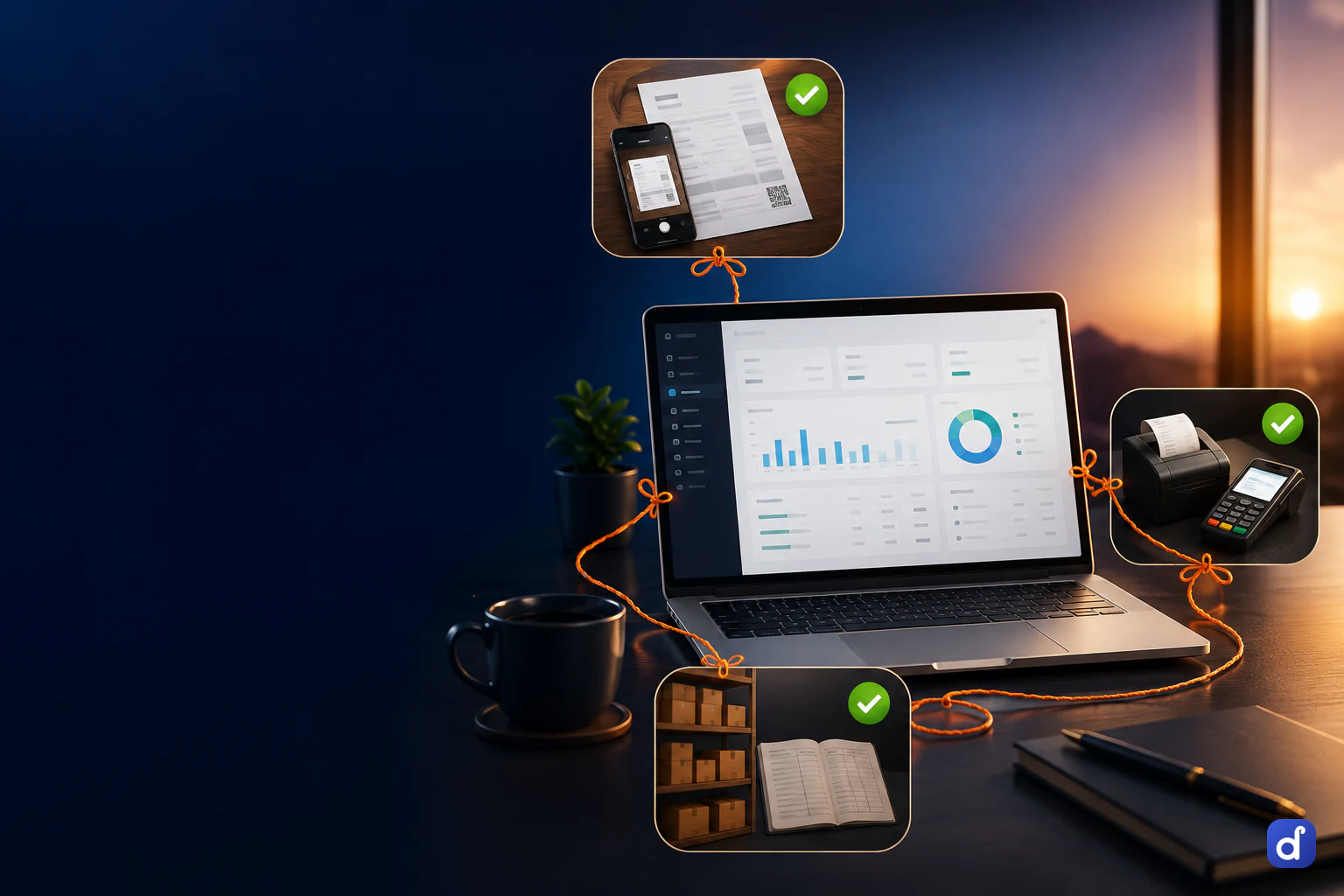
A sale at the counter, a supplier bill, an expense and a payroll run reach the ledgers without being typed a second time. What only an accountant knows goes in as a voucher, and every statement reads from the same books.
Entries come from the documents, not from re-typing
Whether you run a kirana counter, a hardware shop or a distribution business, the books follow the work rather than waiting for someone to copy it in.
- Record the work
- Sales, purchases, payments, expenses, stock movements and payroll are recorded where they happen.
- Journals are built for you
- Each becomes a balanced double-entry journal against a standard chart of accounts, set up when the books open.
- Add what only an accountant knows
- Payment, receipt, contra, journal, sales, purchase, credit note and debit note vouchers, each type numbered on its own.
- Correct by reversing
- A posted voucher is cancelled with a written reason and a reversing entry. The original stays on record.
The statements an accountant opens first
The day book and the general ledger have their own screens, and the reports hub holds the statements and registers below, each with its own filters and export.
Day book and general ledger
Every voucher for a day, and every ledger with its opening balance carried in rather than starting from zero.
Trial balance and group summary
Opening, movement and closing for every ledger, and the same balances rolled up the group tree.
Profit & loss and balance sheet
Including a month-by-month P&L and a balance sheet under Schedule III heads. On the Pro plan.
Cash book and bank book
The cash box day by day with a running balance, and each bank ledger day by day against what the passbook should say.
Receivables and payables
Open bills by party and by age, how long customers take to pay, and how much of each credit limit is used.
Cost centres, budgets and TDS
Income and expense per cost centre, budget against actual, and TDS by supplier and section for Form 26Q.
Bank reconciliation that suggests, then waits for you
Import the statement file your bank gives you, and Dhaaga proposes which voucher each line is. A statement line is never turned into an entry on its own.
Matches with a reason
The amount has to agree exactly. A cheque number, a close date and the narration raise the confidence shown beside each suggestion.
Nothing posted twice
A line the books have not heard of is flagged, not posted, so a payment is never recorded once when made and again when the bank reports it.
Charges and bounced cheques
A bank charge nobody booked, or a cheque that came back, is entered from the reconciliation screen with its own voucher.
Which plan includes which books
Prices are per month, per business rather than per seat. Every plan starts with seven days of the whole product, with no card.
| Starter | Pro | |
|---|---|---|
| Sales, purchase, stock and ledgers | Included | Included |
| GST invoices and reports | Included | Included |
| GST returns, P&L, balance sheet | Not included | Included |
| Payroll and wages | Not included | Included |
| Document intake and the morning brief | Not included | Included |
| Ask your data anything | Included | Included |
| Staff accounts | Up to 3 | Unlimited |
Questions people ask first.
No. Most entries are built from the sales, purchases, payments and payroll you record anyway, against a standard chart of accounts. An accountant can still pass vouchers by hand, and the ledger groups carry the standard names they already know.
Yes. Give them their own account with a role that sees the books. Every register exports to Excel or PDF, and the posted vouchers for any date range export as a Tally XML file if they review the year in Tally.
Closing a year shows a preview first, then posts the closing entry, carries the balances forward and locks the year. A closed year can be reopened only with a written reason, and the reopening is recorded in the audit trail.
Dhaaga needs a connection to load and save. A screen already open stays visible, but changes are not accepted until the connection returns. In return, the counter, the office and the accountant all see the same live books.
Your records live in your own workspace, and no query can reach another business’s data. Nothing is pooled across businesses or used for training models.
Yes. Parties, items and party opening balances can be pasted in from a spreadsheet, with every row checked before anything is saved. Ledger opening balances are entered on each ledger and open the books as one dated opening entry.
Put one real day through it.
Not a sandbox with sample data — your own bills, your own items, your own customers. By evening you will know whether this runs your business.