GST billing
GST worked out on every line, not typed
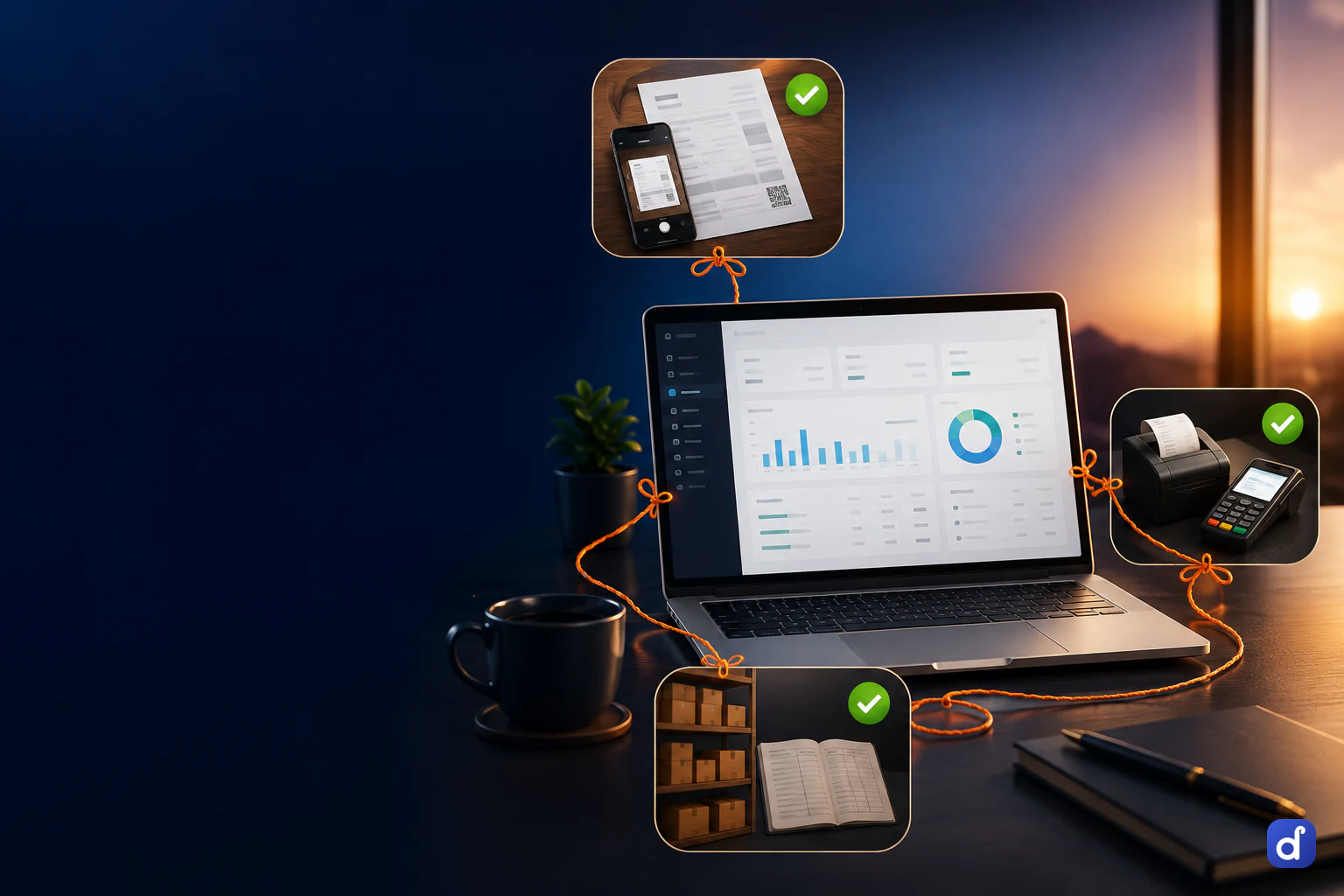
Dhaaga raises GST invoices at the counter and from the desk, and decides the tax from the item and the place of supply. The returns are built from those same invoices, so filing is a review instead of a re-entry.
What the invoice gets right by itself
The rules a kirana counter, a hardware dealer, a pharmacy and a distributor all hit are worked out in code, not left to whoever is billing.
Tax from the place of supply
Same state gives CGST and SGST; a different state gives IGST. An unknown state is treated as inter-state and says so, rather than guessing.
HSN and SAC on the line
Each line carries its code and rate, so the HSN summary is ready when the return is.
The right kind of supply
Each invoice is classed as B2B, B2C, B2C large, export or SEZ, which decides the GSTR-1 table it belongs in.
Composition scheme
A business on the composition scheme raises a bill of supply instead of a tax invoice.
Credit and debit notes
Returns and adjustments are their own documents, alongside the tax invoice and the bill of supply.
Exports under LUT
An export under a letter of undertaking carries no tax; one without it carries IGST.
Returns built from the bills you already raised
GSTR-1, GSTR-3B, the HSN summary and a GSTR-9 summary are assembled from your invoices and purchase bills. Returns are on the Pro plan.
- Bill as usual
- At the counter or from the desk. Nothing extra is typed for the return.
- Open the period
- GSTR-1 with its B2B, B2C and HSN sections, and the GSTR-3B summary, are computed from the books for the dates you pick.
- Check input credit
- Upload the GSTR-2B JSON from the portal and it is matched against your purchase bills, so a supplier who has not filed shows up before you claim.
- Download and file
- Download GSTR-1 as portal-style JSON, CSV or Excel, and file on the portal. A year view shows each month’s GSTR-1 and GSTR-3B as filed, due or late.
E-invoice and e-way bill, through your GSP
Dhaaga does not include a GST portal connection. When you connect the endpoint of a GST Suvidha Provider you use, these steps run from inside the app.
| Without a GSP | With a GSP connected | |
|---|---|---|
| A party’s GSTIN | Format and checksum checked | Live status and name looked up; a cancelled GSTIN or a name mismatch is flagged |
| E-invoice (IRN) | IRN, acknowledgement and QR recorded by hand | IRN requested from the invoice; only the portal’s answer is stored |
| Cancelling an IRN | Not available | Allowed inside the 24-hour window, refused while a live e-way bill is attached |
| E-way bill | Number typed in on the document | Generated, with a vehicle check for road movement and validity worked out from distance |
| Extending an e-way bill | Not available | Allowed only within 8 hours either side of expiry |
| GSTR-1 | Download and file on the portal yourself | Sent through the GSP; marked filed only when the portal returns an acknowledgement |
A GST bill at the counter in a few taps
Counter billing writes to the same records as the books, so the day’s sales are in the return without being entered twice.
- Scan or tap
- Barcode or a tap on the item tile, in any unit — kilos, litres, bags, strips, boxes — with stock shown on every tile.
- Tax per line
- GST is worked out on each line as it is added, with the subtotal, the tax and the total beside it.
- Take payment
- Cash, UPI at the counter, or cards and online payments through Razorpay.
- Print or send
- Print on the thermal or A4 printer you already use, or send the bill on WhatsApp.
Questions people ask first.
It prepares GSTR-1, GSTR-3B, the HSN summary and a GSTR-9 summary from your books, on the Pro plan, and GSTR-1 downloads as portal-style JSON, CSV or Excel for you or your accountant to file. If you connect a GST Suvidha Provider that you arrange, GSTR-1 can be sent from inside the app, and it is marked filed only when the portal sends back an acknowledgement.
Yes, once you connect a GST Suvidha Provider endpoint. Dhaaga then requests the IRN for an invoice and stores only what the portal returns, and generates and extends e-way bills with their validity worked out. Without a connection, the IRN details and the e-way bill number can still be recorded by hand.
The GST rules are the same for every trade, so a kirana counter, a hardware dealer, a pharmacy and a distributor use the same invoice and the same returns. Each item carries its own HSN or SAC and rate, and you sell in whatever unit the item uses.
Yes. Each branch or document is assigned to a registration, and GSTR-1, GSTR-3B and the HSN summary are split so each GSTIN gets its own return. Documents that belong to no registration are listed, so none is left out without you seeing it.
Upload the GSTR-2B JSON from the portal and it is matched against the purchase bills in your books. A bill your supplier has not declared, or one entered with a different amount, shows up as a difference before you claim the credit. The matched list downloads as CSV for your accountant.
Starter is priced per business and includes GST invoices and reports, counter billing and up to 3 staff accounts. GST returns, P&L and the balance sheet are on Pro. Every plan starts with seven days of the whole product, with no card. Current prices for each plan are on the pricing page.
Put one real day through it.
Not a sandbox with sample data — your own bills, your own items, your own customers. By evening you will know whether this runs your business.