Retail POS
A billing counter that keeps the books as it sells
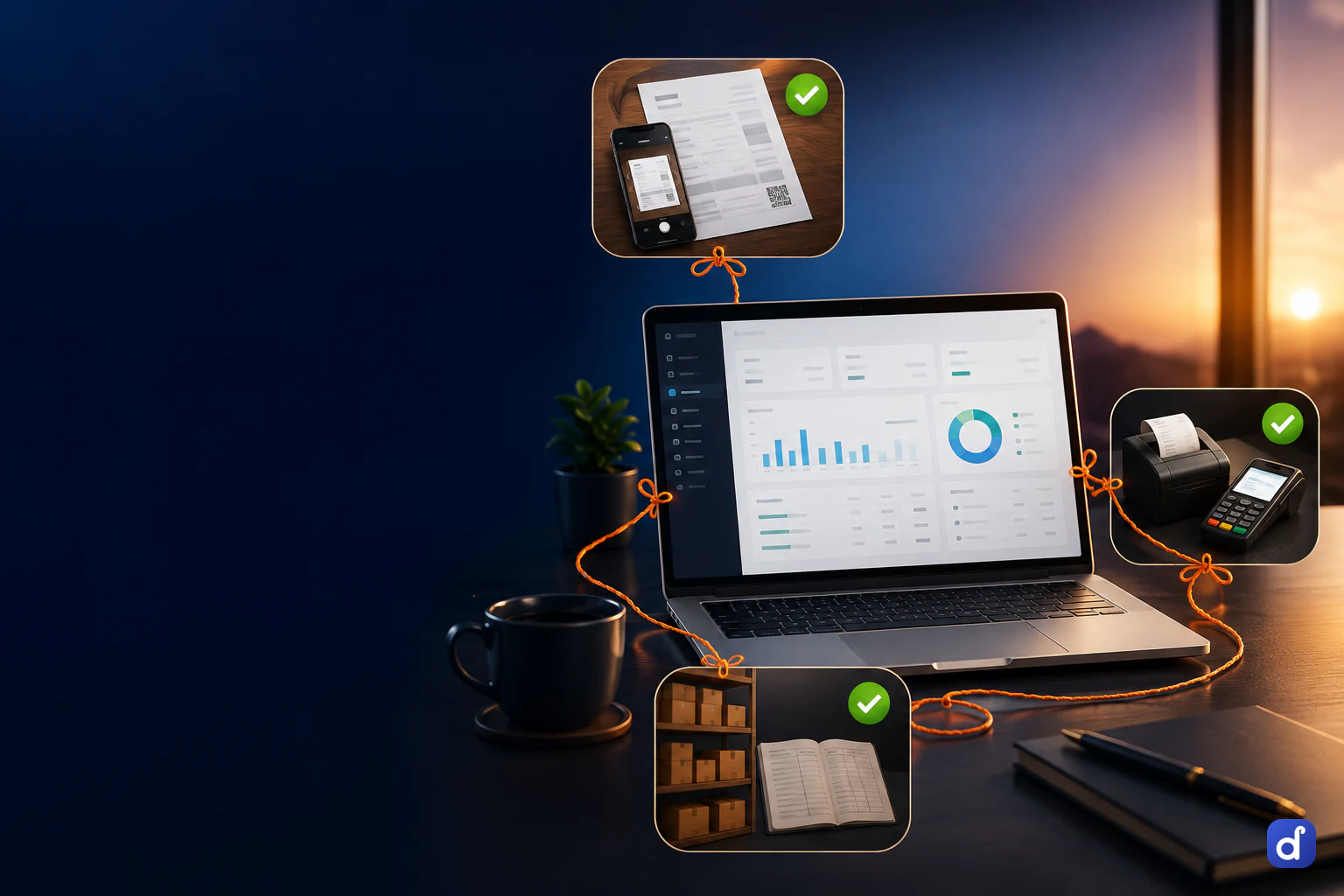
The same counter rings up a kirana, a hardware shop, a sweet shop or a clothing store. Every bill takes the goods off the shelf, posts to the books and is ready for the GST return, so the day closes without a second round of entry.
Scan, tap or weigh, in whatever unit you sell
The counter is built for a customer who is waiting. Barcode or tile, by the piece, the box or the kilo, with the stock on hand shown before you sell it.
Barcode or tap
Scan the code, or tap a tile that shows the price and the quantity in stock. An item can carry more than one barcode.
Weighing-scale labels
Enter your scale’s label layout once and the counter reads the item and the weight or price from the label. A misread label is refused, never guessed.
Boxes, strips and kilos
Sell in any unit set on the item, such as a box of 144 pieces, and the rate converts with it or uses the price you set for that unit.
Serial and IMEI numbers
A serial-tracked item asks which unit before it goes on the bill, and scanning a serial finds the item it belongs to.
Batch picked at the till
A batch-tracked item asks which batch, soonest expiry first. An expired batch is shown with its date but cannot be sold.
Hold and resume
Park a bill while the customer fetches one more thing, serve the next person, and finish the held bill when they return.
Cash, UPI, card, credit note or khata, on one bill
A bill can be paid one way or split across several, and the counter checks that the parts add up before it saves.
- Split the tender
- Take part in cash and the rest by UPI or card. One tap sends the remainder to the mode you choose.
- Show your UPI QR
- Save your UPI ID in settings and the payment screen shows a QR for the exact bill amount, payable to your shop.
- Put it on the khata
- Credit goes only to a named customer and lands in their ledger. The counter warns when it would take them past their credit limit.
- Spend store credit
- Credit notes, gift cards and cashback share one balance, spent in parts and never beyond what is left on the code.
- Print or send the bill
- Print on a 58mm or 80mm thermal roll or an A5 page, set per counter, or send the bill to the customer on WhatsApp.
Returns, offers and the day’s close, in the same program
The jobs around a sale are where a separate billing program leaves gaps. Here they move the same stock and the same books as the sale did.
| On paper or a basic biller | In Dhaaga | |
|---|---|---|
| A customer brings goods back | Cash out of the drawer, noted somewhere | A return against the original bill, refunded in cash, to the khata or as a credit note |
| A scheme or festive offer | Worked out by hand at the counter | Bill percentage, flat off, category percentage, quantity slab, buy X get Y, coupon codes and time windows |
| A discount above your limit | Allowed, or the owner’s password gets shared | A manager approves it at the till and the approval is stored with the bill |
| Regular customers | A notebook of names | Loyalty points earned at the counter and redeemed against a later bill |
| Closing the shift | Count the drawer and hope it matches | Open with a float, close note by note, with X and Z reports |
| The day in the books | Typed in later from the bill book | Counter sales post to cash, sales and GST as they happen |
Counter sales reach the stock, the books and the GST return
There is no export from the till to the accounts. The bill is the entry.
GST worked out per line
Price on MRP with GST inside or add it on top. CGST, SGST or IGST is decided on the bill and frozen there.
Counter bills in GSTR-1
Bills to registered buyers go in bill by bill, walk-in sales as the rate-wise total, and returns on a registered buyer’s bill become credit notes.
Stock that moves with the sale
Every bill takes the goods off the shelf, so the stock register shows what is left and what it is worth.
A read-only cash check
Cash count runs unattended and tells you what should be in the drawer and what is not. It only flags; it can never post to your books.
Questions people ask first.
Yes. The counter, stock, GST and books are the same core for every trade, and you name items and units in your own words. Industry packs add trade-specific documents for garment, textile and footwear, and a shop that needs none of them runs on the generic core as it is.
Any phone, tablet or laptop with a current browser. Barcode scanners, 58mm and 80mm thermal printers, A4 or A5 printers and weighing-scale labels all work. There is no server to install.
Yes. Credit can only be given to a named customer, and it lands in their khata as a bill. If you set a credit limit on the customer, the counter warns before a sale takes them past it.
No. You set the largest discount a cashier may give. Above that, a manager signs in at the till to approve it, and the approval is stored with the bill so you can see who gave which discount.
Yes. Import items, parties and opening balances from Excel, or masters and balances from Tally. On the Enterprise plan the migration is done for you.
Starter is priced per business and includes counter and POS billing, GST invoices and up to 3 staff accounts. Pro and Enterprise add the rest of the product. Current prices for each plan are on the pricing page. Every plan starts with a 7-day free trial of the whole product, and no card is needed.
Put one real day through it.
Not a sandbox with sample data — your own bills, your own items, your own customers. By evening you will know whether this runs your business.